Clarity in Calm
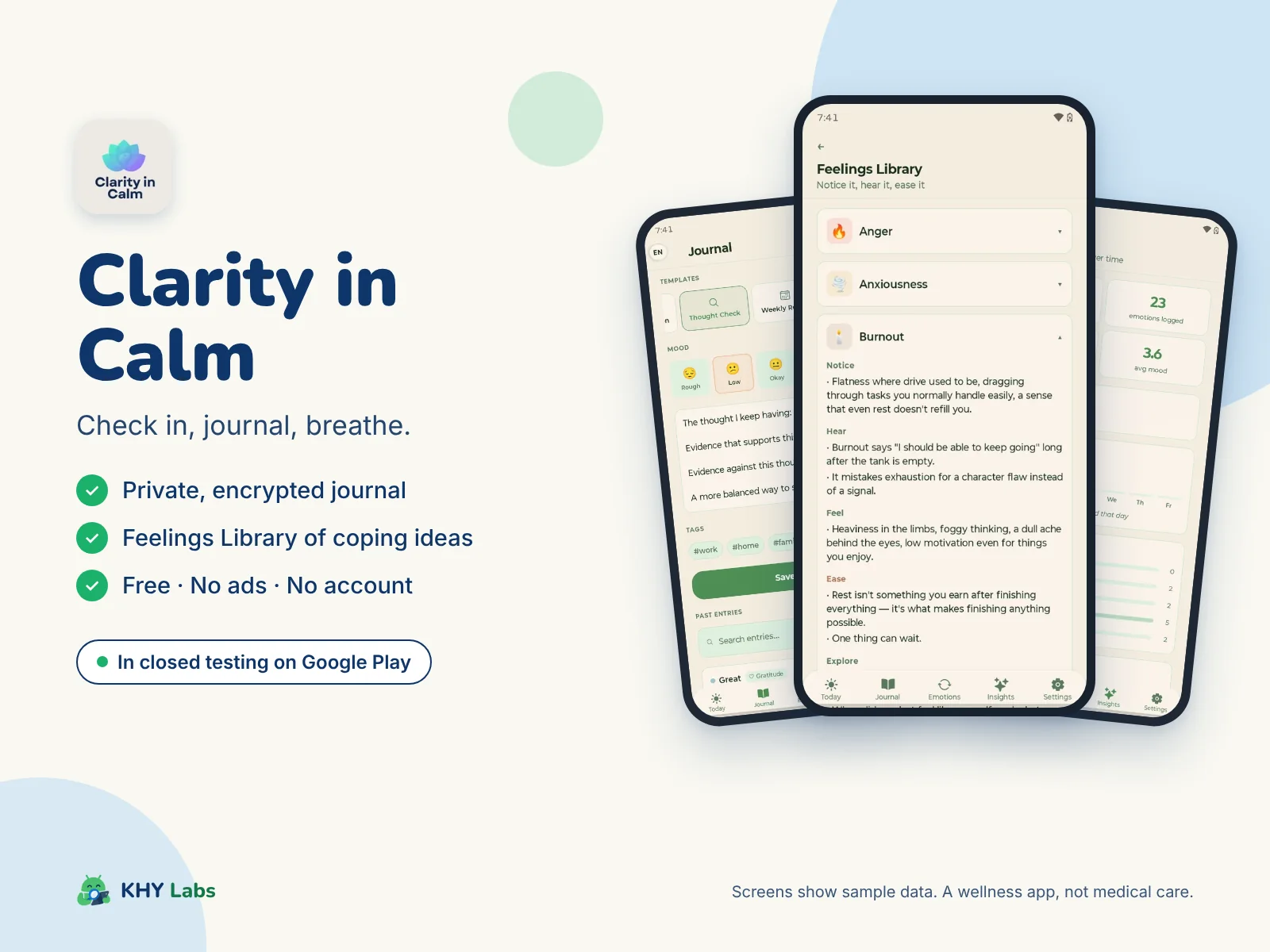
Closed testingCheck in with how you feel, keep a private journal, and slow down with guided breathing.
At a glance
- Price
- Free. No ads and no in-app purchases.
- Account
- None. No sign-up.
- Your data
- Stays on your phone, encrypted. Back it up whenever you like.
- Languages
- English, Korean, Spanish, and Hindi.
What it does
What's inside
- Log a feeling: 7 core emotions or your own word, with how strong it is
- A short, practical tip on the Today screen based on what you logged
- A private journal with 6 templates, tags, and search
- Feelings Library: plain guides to noticing a feeling and easing it
- Guided box breathing and a 2-minute grounding exercise
- Quick access: open Breathe or Grounding from a home screen shortcut, a widget, or Quick Settings
- Insights on your moods and most-felt emotions, with no streaks to keep up
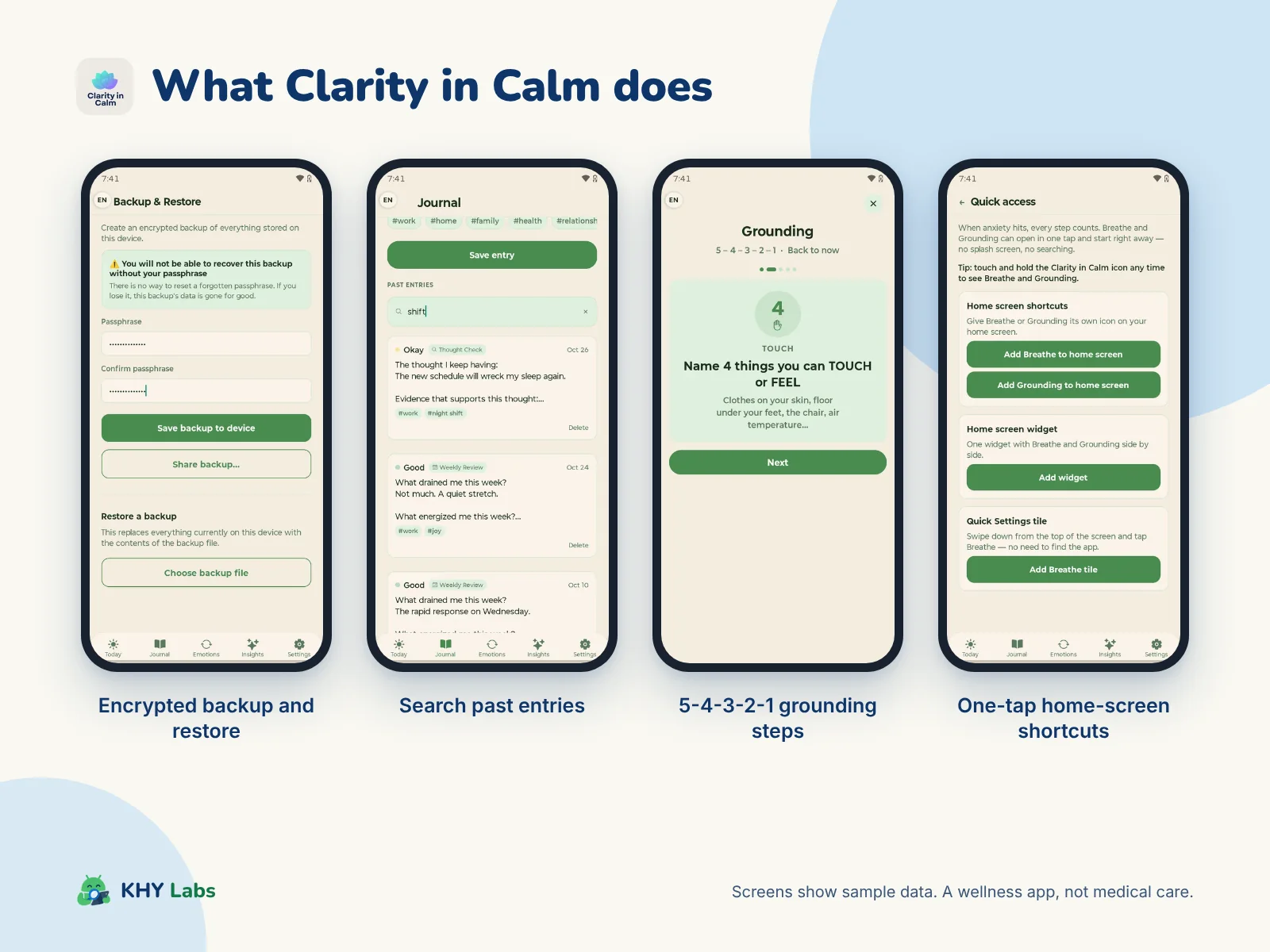
- Encrypted backup and restore, protected by a passphrase you choose
- Stays readable at Android's largest text size
- Screen blur when you switch away from the app
- Light and dark themes
Clarity in Calm is a wellness tool, not medical care. It doesn't diagnose or treat anything.
Screenshots
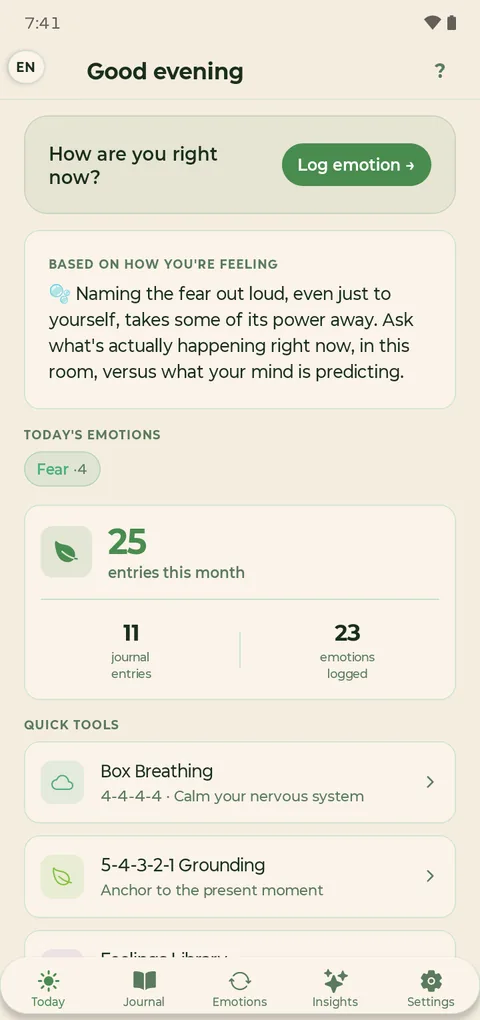
An app that notices how you're doing.Maya logged fear before her shift, so Today leads with a short, practical tip for that. Her month and the calming tools are one tap away. 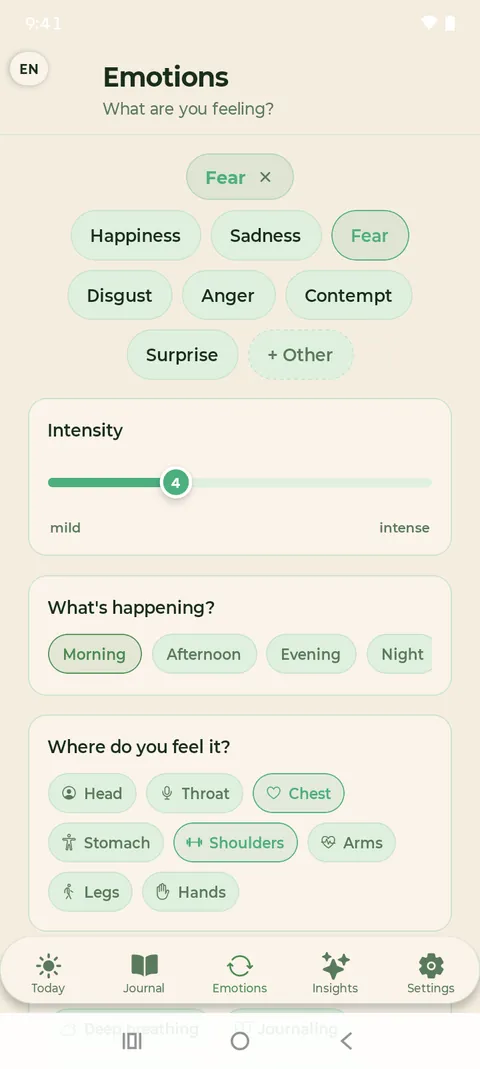
Name a feeling in seconds.Pick an emotion, how strong it is, and where you feel it. 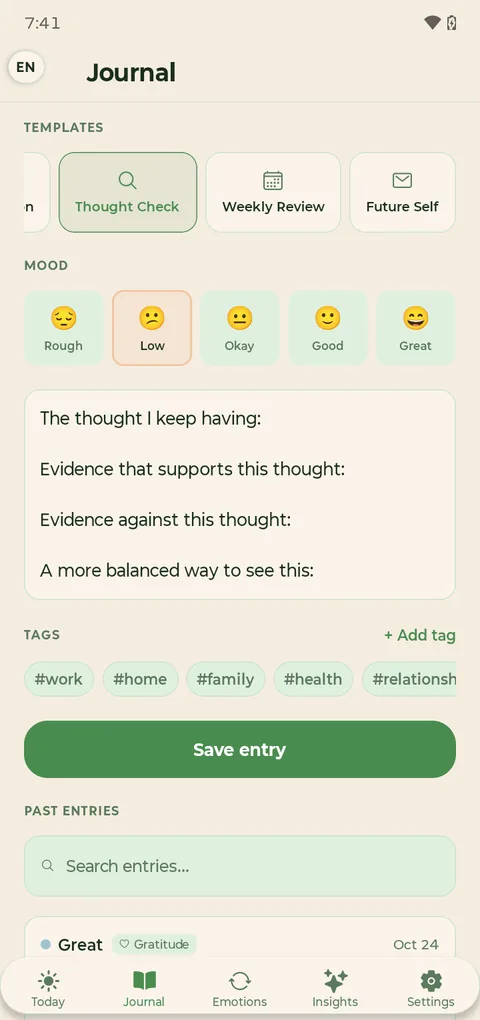
A guide for when a blank page is too much.Six templates give structure. This Thought Check walks a worry through the evidence for and against it. 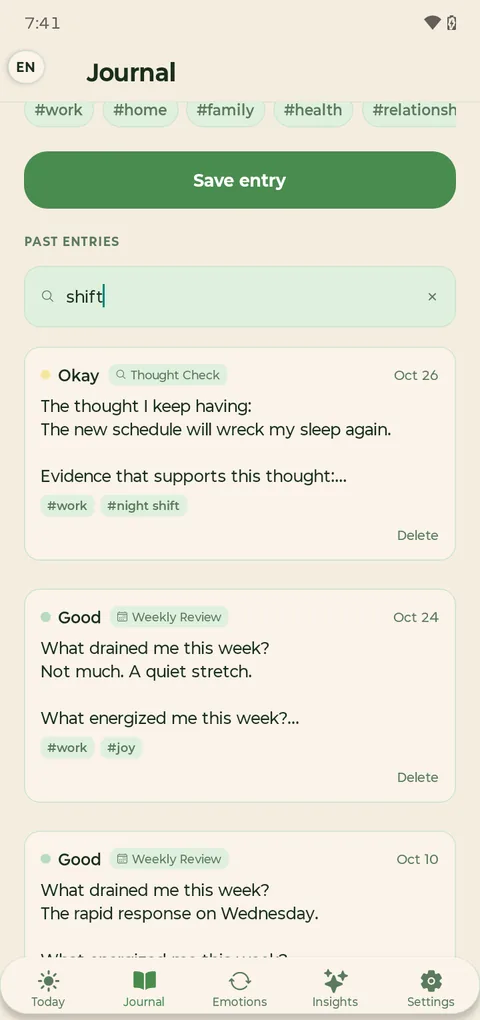
Find what you wrote, when you need it.Entries are encrypted on the phone and still searchable. Here Maya finds everything about her shifts. 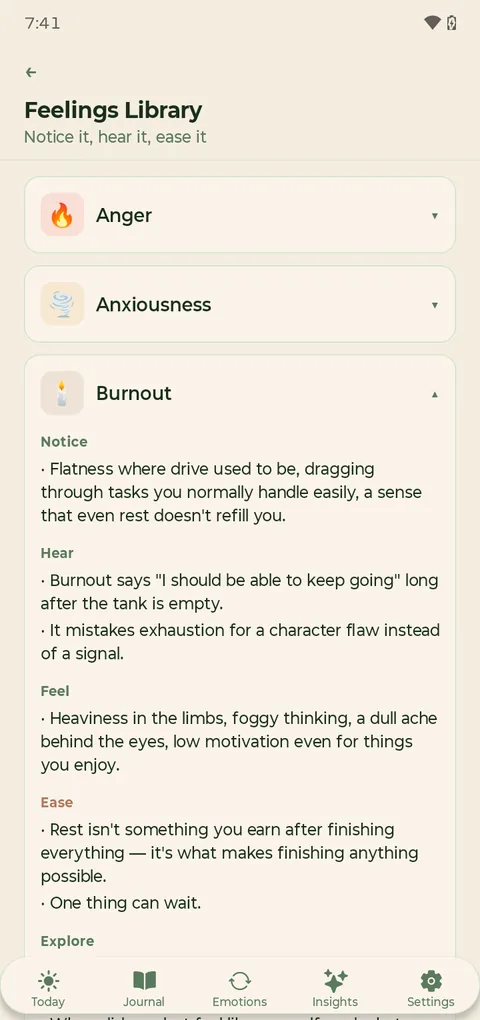
Understand what a feeling is telling you.Plain guides to notice a feeling, hear what it says, feel where it sits, and ease it. Shown: burnout. 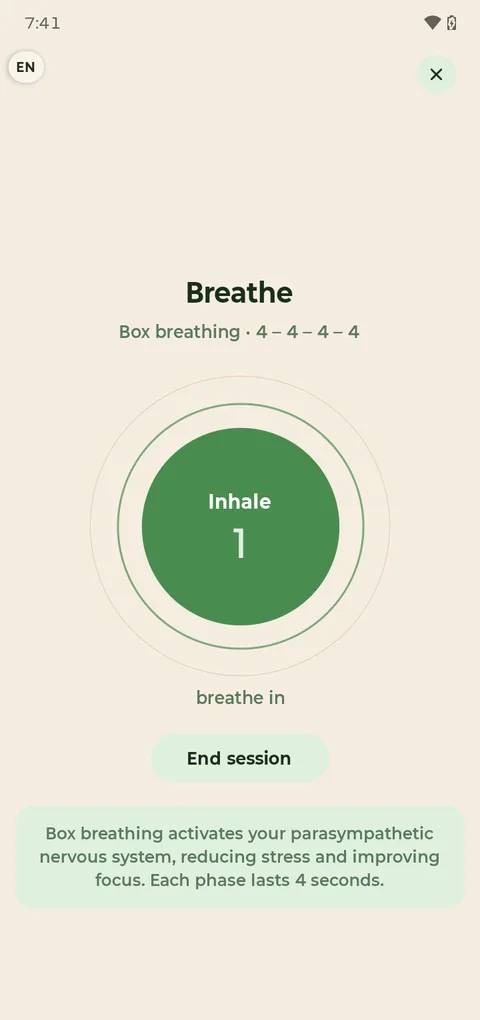
Breathe in four counts.A circle grows and shrinks with each inhale, hold and exhale, easy to follow with your eyes half-closed. 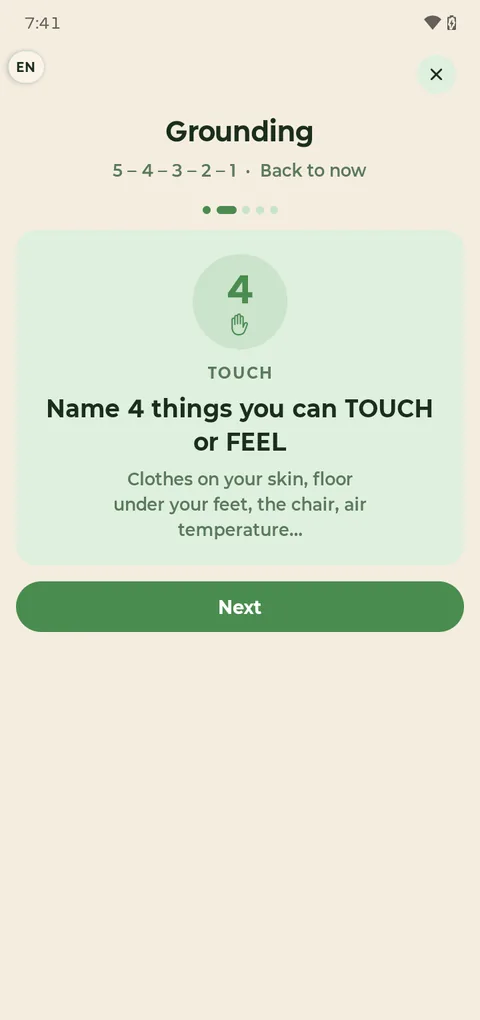
Come back to the present.The 5-4-3-2-1 exercise goes through your senses, one step at a time, in about two minutes. 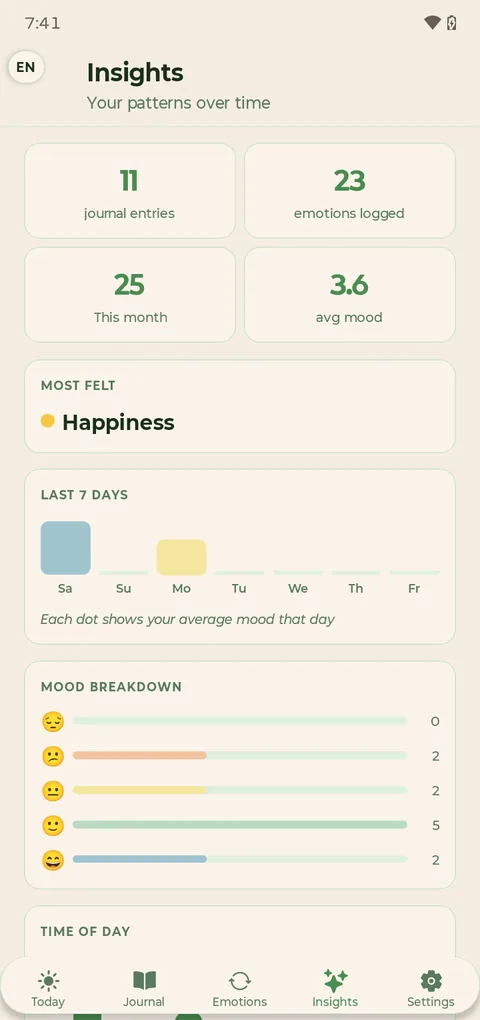
See your patterns, not a scorecard.Monthly totals, average mood and how the week went, all worked out on the phone. No streaks to break. 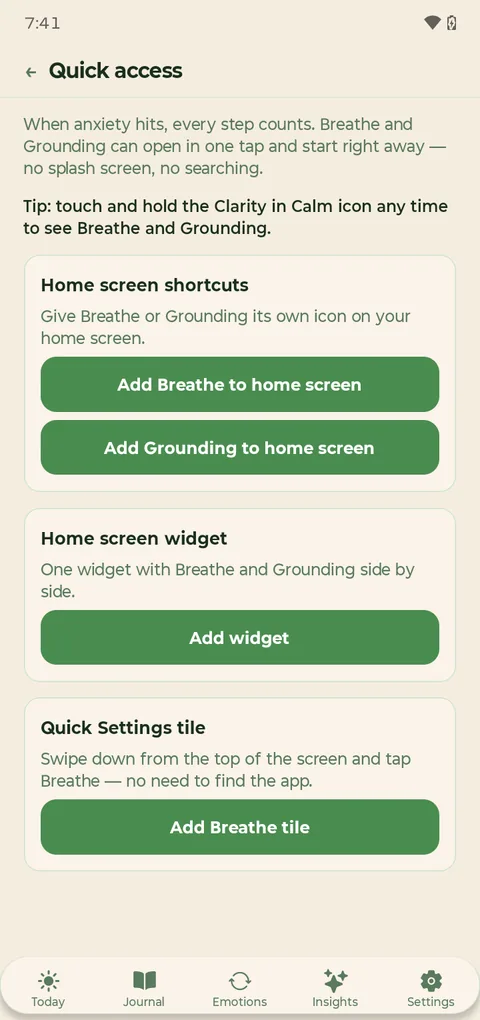
Calm, one tap from anywhere.Put Breathe and Grounding on your home screen, in a widget, or in Quick Settings. 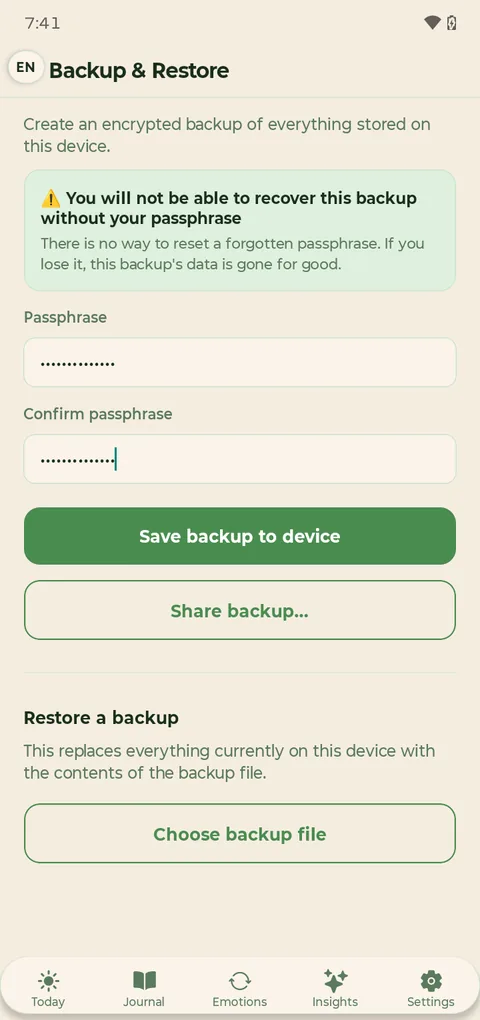
Your data stays yours.Save an encrypted backup to your phone or share it where you choose, with no account. Without the passphrase, the file can't be read. 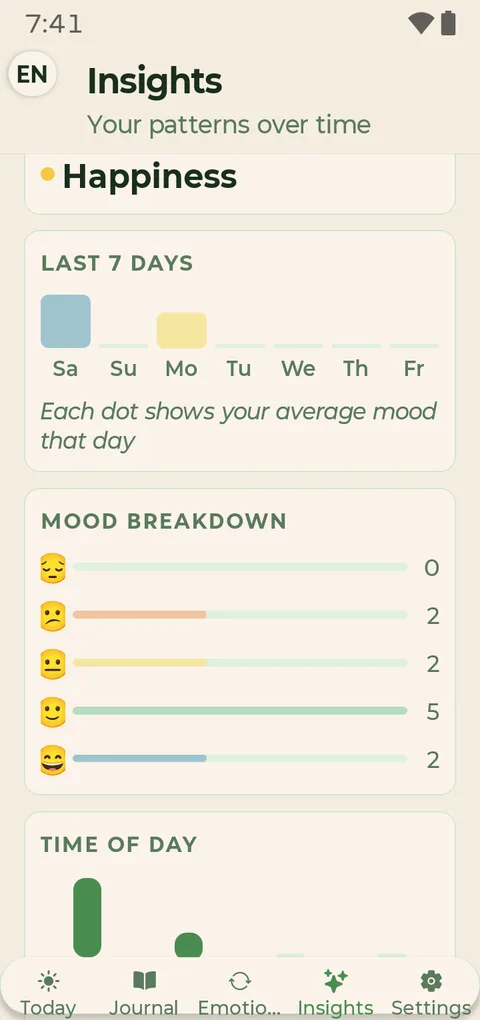
Readable at the largest text size.The same Insights screen at Android's 200% font size. Nothing clips or overlaps.
Screens show sample data from Maya, a made-up user.
How Clarity in Calm was built and tested
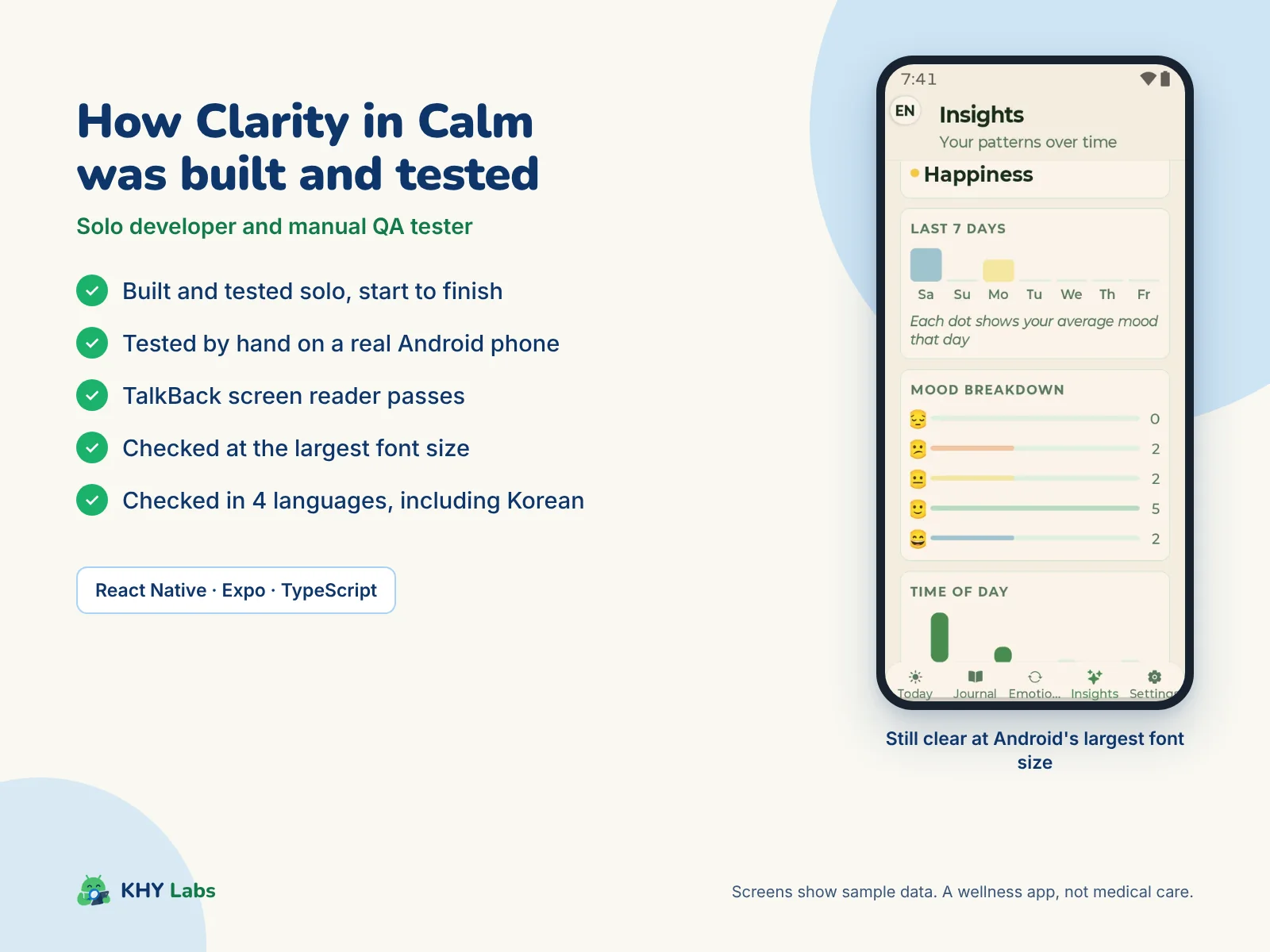
We built Clarity in Calm and tested it by hand from start to finish, on a real Android phone. It's the same manual and screen reader testing we offer for your app.
What we checked
- Tested by hand on a real Android phone
- TalkBack screen reader passes
- Checked at Android's largest font size
- Checked in 4 languages, including Korean
Built with React Native, Expo and TypeScript.
Want your app tested like this? See testing services
Try Clarity in Calm
On Android
Clarity in Calm is in closed testing on Google Play. To test it:
- Join its Google Group with the same Google account you use for the Play Store on your phone.
- Open the testing link in the group's welcome info and tap "Become a tester."
- Install it from Google Play. It can take up to 20 minutes after you join before it shows up.
Join the tester group for Clarity in Calm
On iPhone
Clarity in Calm is in beta testing on iPhone through TestFlight, Apple's free app for trying test versions. To test it:
- Install TestFlight from the App Store on your iPhone.
- Open the TestFlight link below on your iPhone, then tap "Accept" and "Install."
- Send feedback from TestFlight, or email us.
The home screen widget and shortcuts are Android only for now.