
Dreami
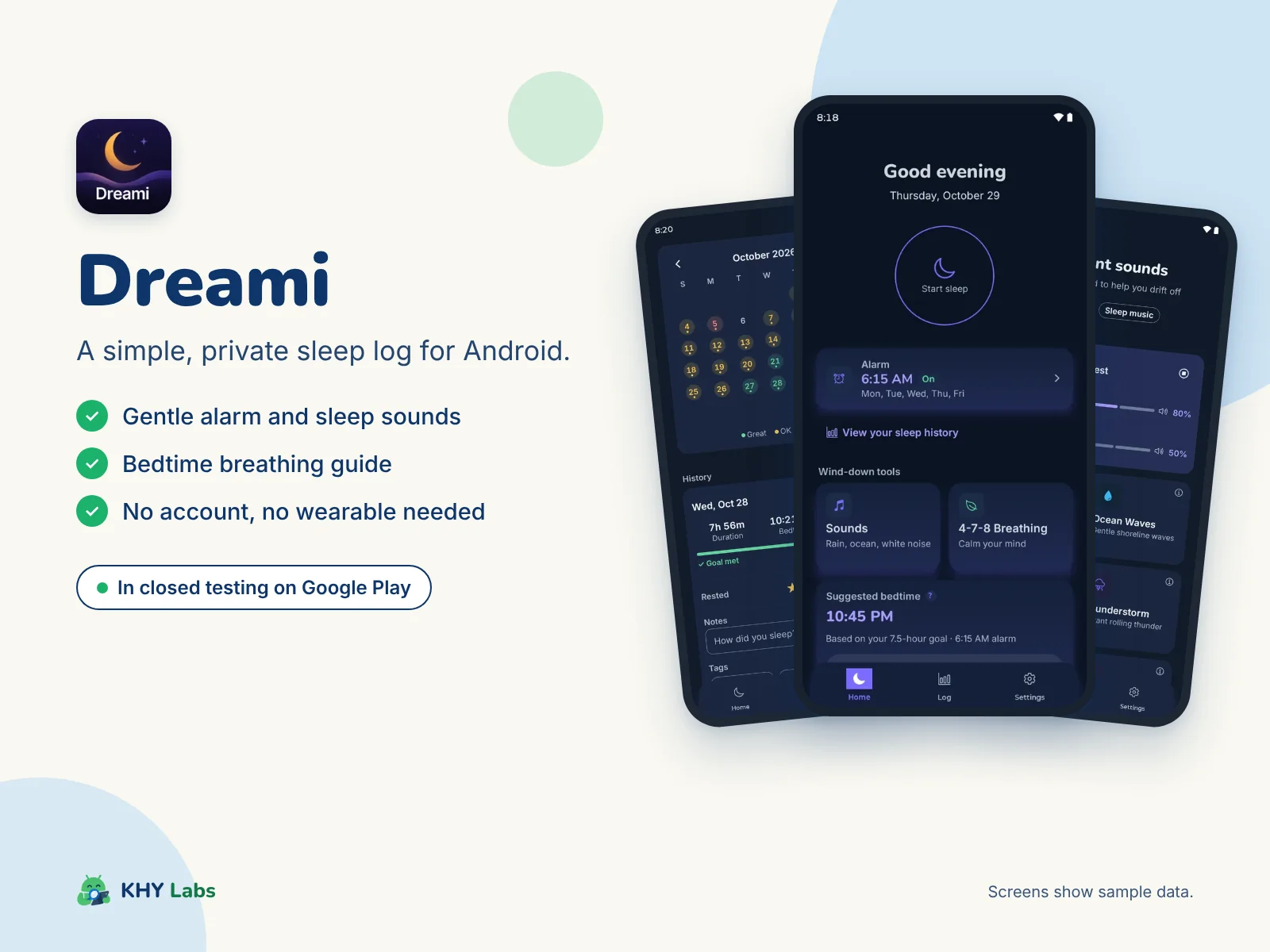
Closed testingA simple, private sleep log with a gentle alarm, sleep sounds, and bedtime breathing.
At a glance
- Price
- Free to download. Dreami Pro is a one-time $2.99 unlock, with no subscription. Testers get Pro free.
- Account
- None. No sign-up and no wearable.
- Your data
- Stays on your phone. Back it up or move it whenever you like.
- Languages
- English, Korean, Spanish, and Hindi.
What it does
Always free
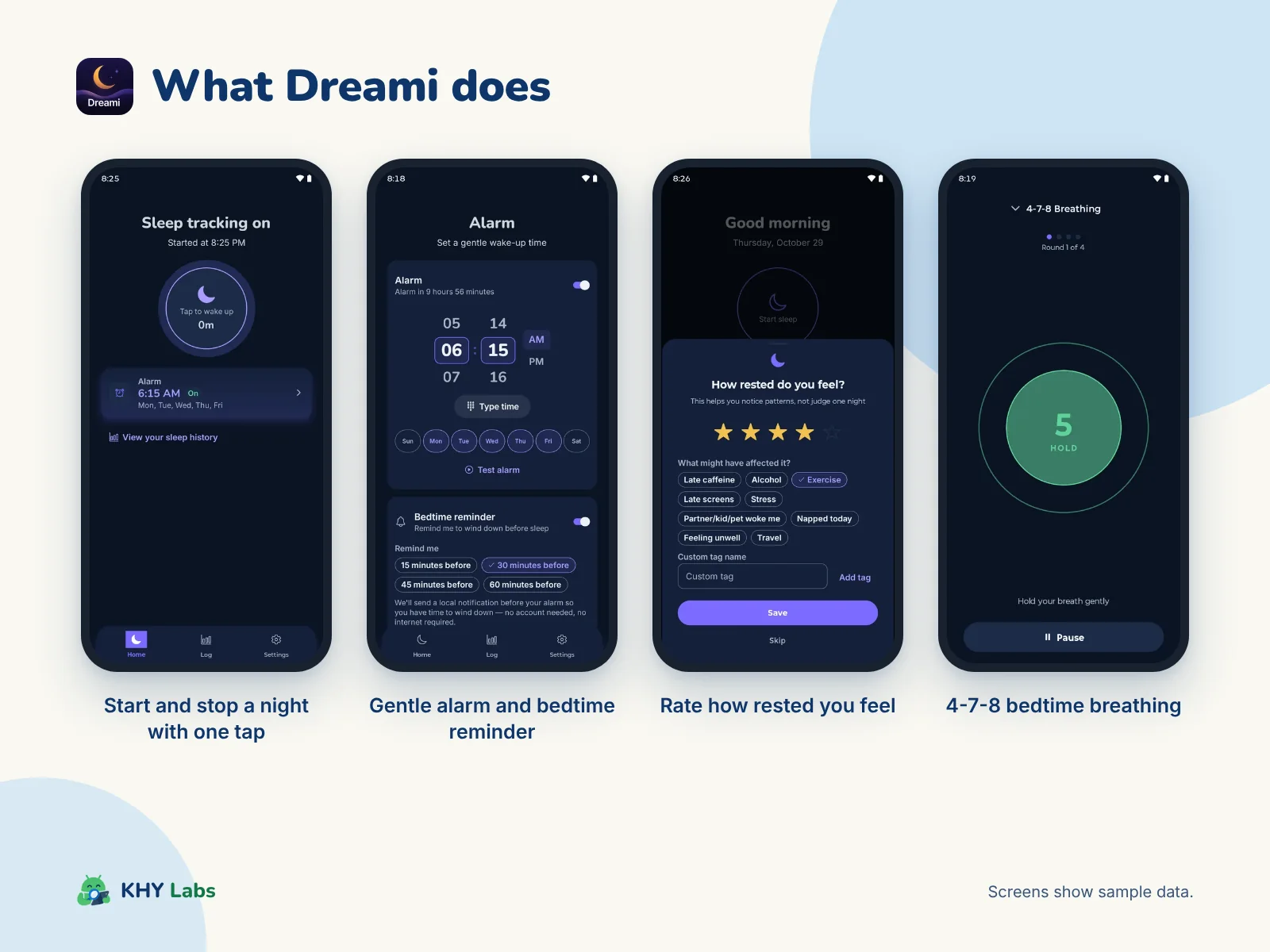
- Log your sleep with one tap at bedtime and one when you wake up
- Gentle wake alarm that gets louder over 3, 5, or 10 minutes
- Morning wake rating, with tags like Exercise or Late screens
- This week's chart, your consistency score, and a monthly calendar
- 4-7-8 breathing for bedtime
- 3 sleep sounds
- Full backup and restore
With Dreami Pro ($2.99, one time)
- All 22 sleep sounds, including binaural beats, sleep music, and noise
- Layer up to three sounds at once
- Tag insights: how your tagged nights compare with the rest
- Night-by-night history and monthly and yearly trends
- Sleep report as a PDF, and a spreadsheet (CSV) of every night
Screenshots
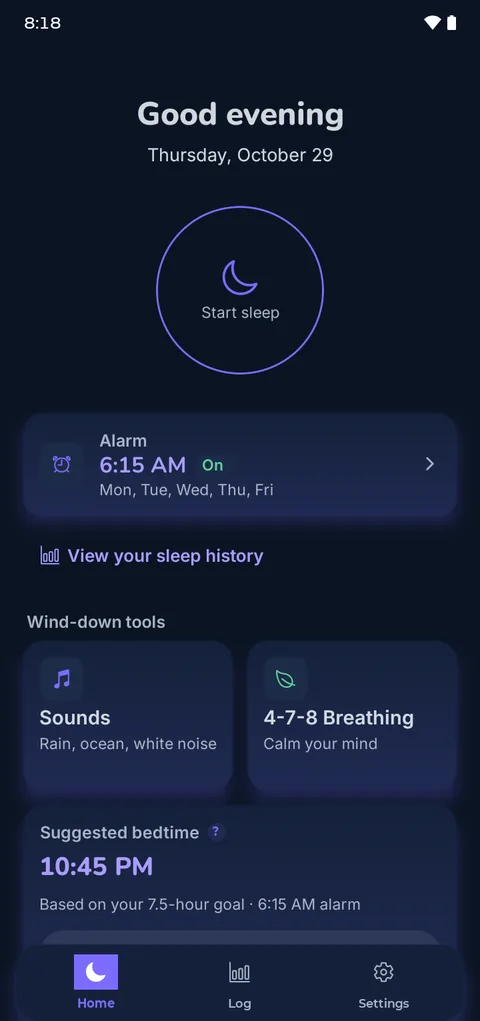
Your bedtime on one screen.Start sleep, check tomorrow's alarm, open sounds or breathing, and see a suggested bedtime. 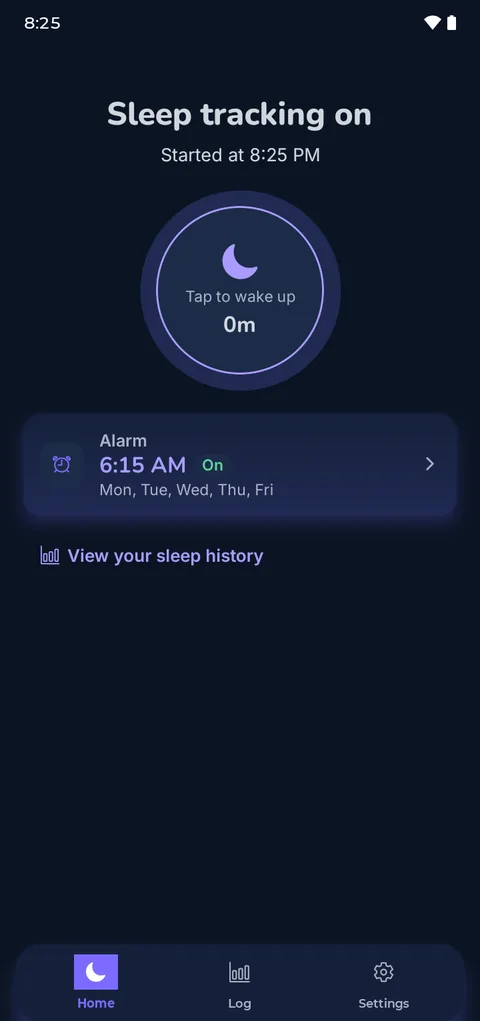
No wearable needed.One tap at bedtime, one when you wake up. 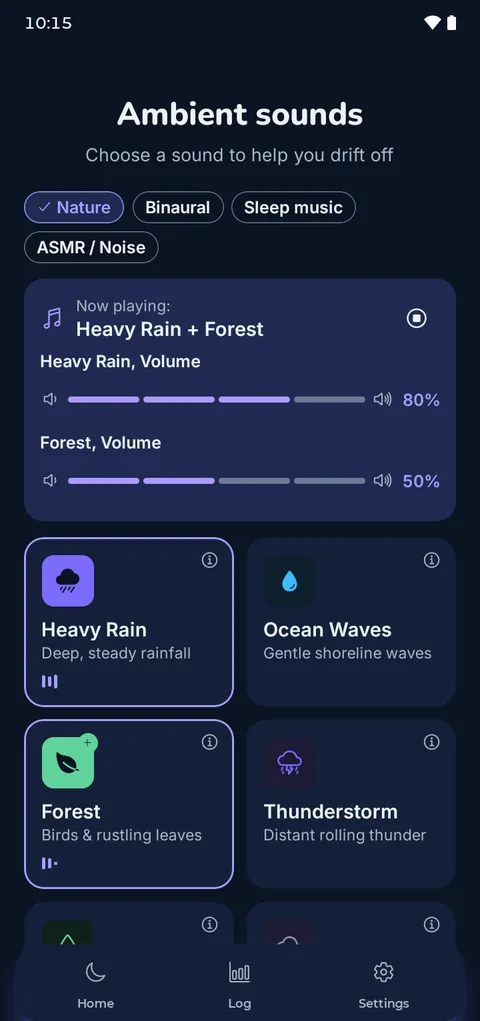
Build your own soundscape.Mix sounds like rain and forest, each with its own volume. With Pro, layer up to three. 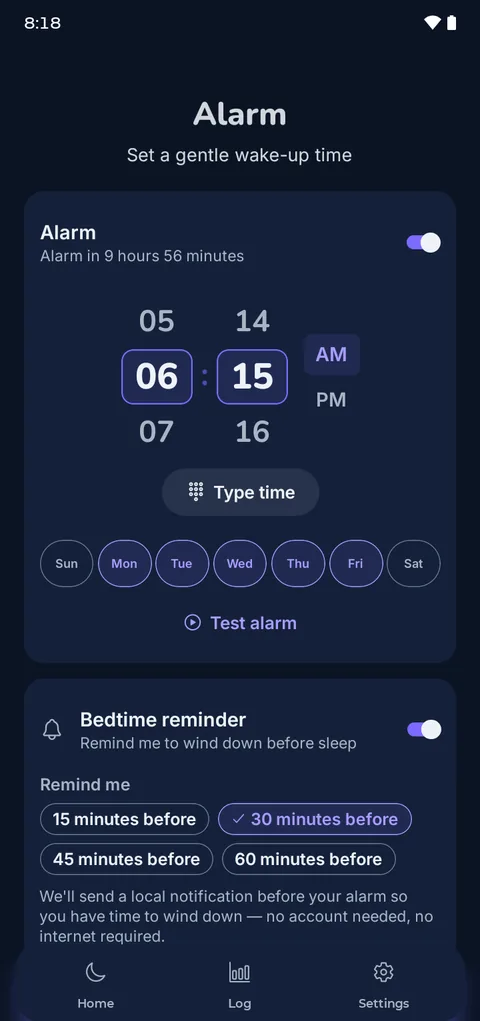
Wake up gently.Scroll or type the time, pick your days, and get a wind-down reminder. The alarm gets louder slowly, over 3, 5, or 10 minutes. 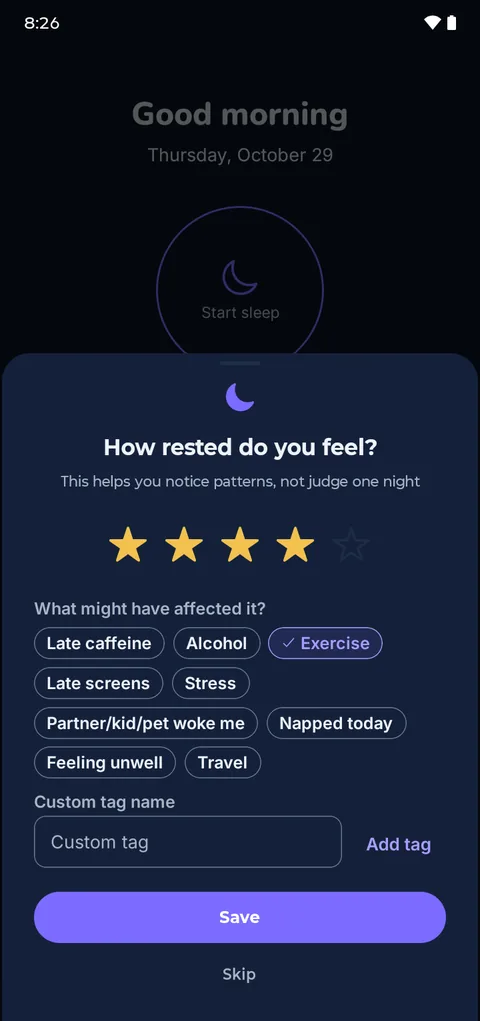
Ten seconds each morning.Rate how rested you feel and tap what might have played a part. 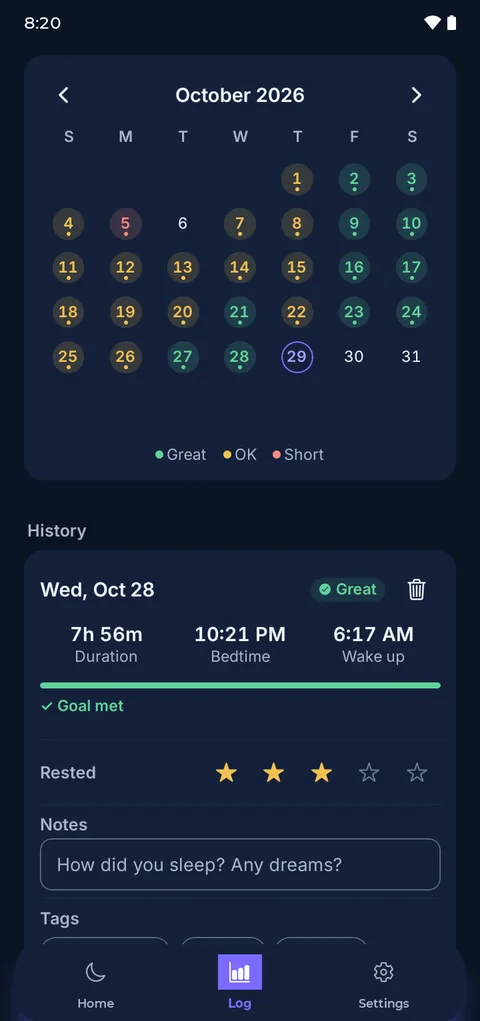
A month at a glance.Each night is graded against your own goal. Tap any night for the full story. 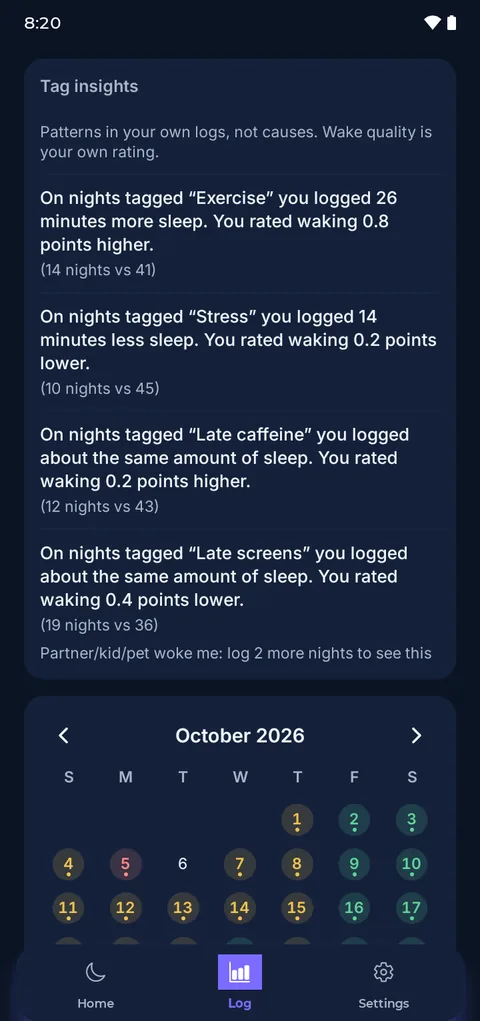
Answers from your own nights.Patterns in your own logs, and honest that they're patterns, not causes. Part of Pro. 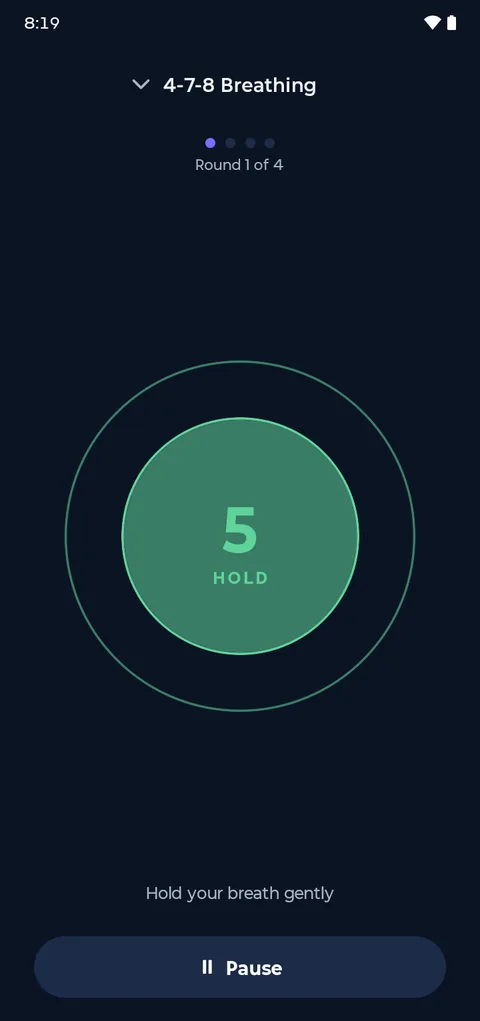
Settle down at bedtime.A guided 4-7-8 breathing exercise with a pacing circle. 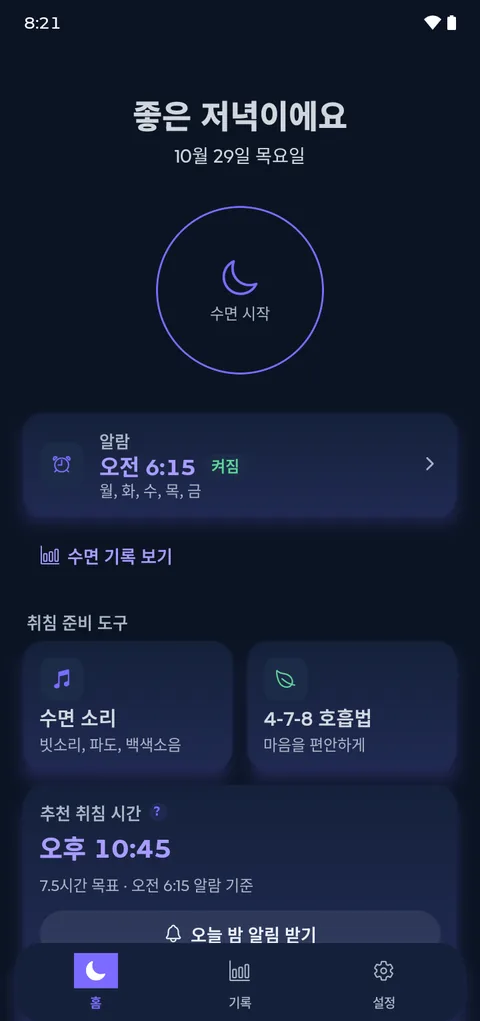
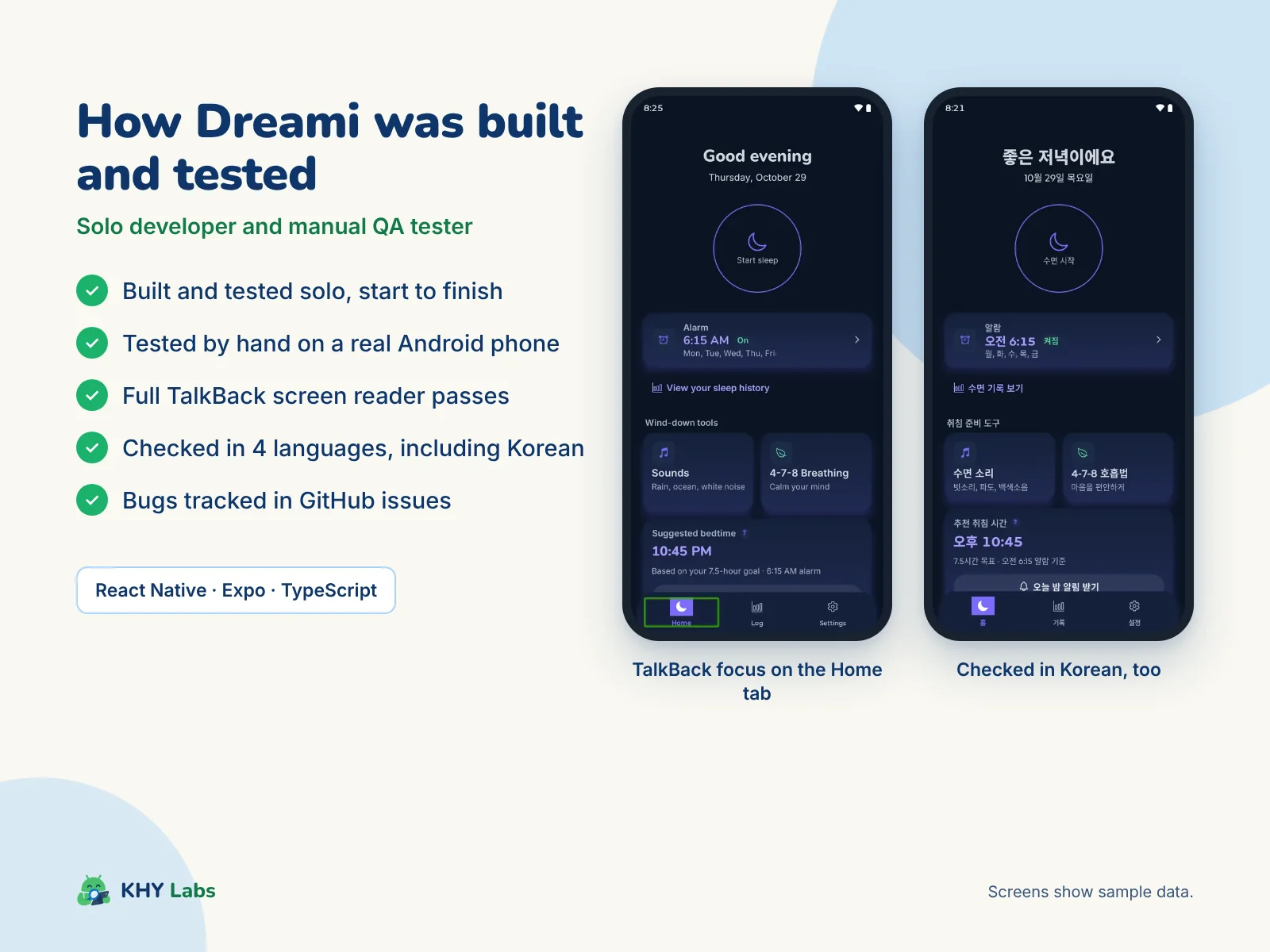
In four languages.English, Korean, Spanish, and Hindi, down to how each one writes the time. Shown here in Korean. 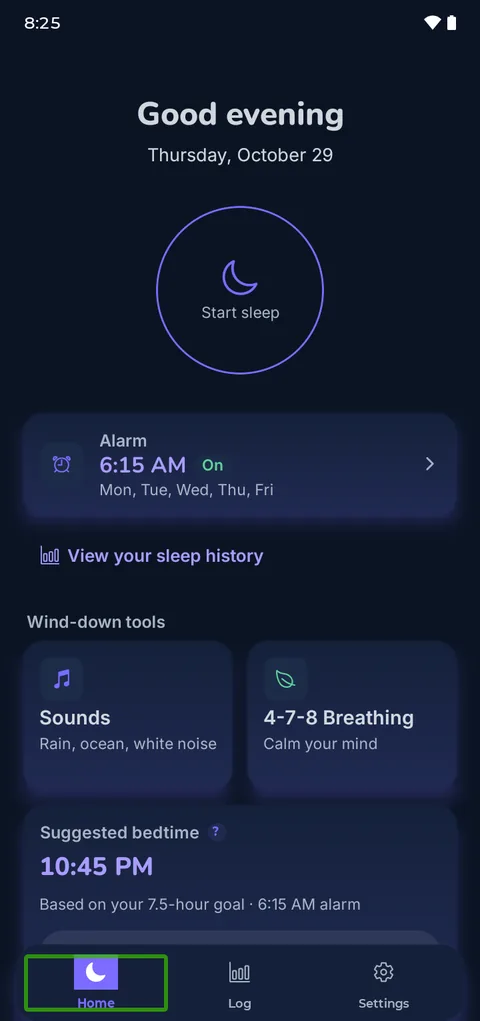
Built for screen readers.Every control has a spoken label for TalkBack. The green outline shows what TalkBack is reading, here the Home tab.
Screens show sample data.
How Dreami was built and tested
We built Dreami and tested it by hand from start to finish, on a real Android phone. It's the same manual and screen reader testing we offer for your app.
What we checked
- Tested by hand on a real Android phone
- Full TalkBack screen reader passes
- Checked in 4 languages, including Korean
- Bugs tracked in GitHub issues
Built with React Native, Expo and TypeScript.
Want your app tested like this? See testing services
Try Dreami
On Android
Dreami is in closed testing on Google Play. To test it:
- Join its Google Group with the same Google account you use for the Play Store on your phone.
- Open the testing link in the group's welcome info and tap "Become a tester."
- Install it from Google Play. It can take up to 20 minutes after you join before it shows up.
Free Dreami Pro for testers
Everyone in the tester group gets Dreami Pro for free. Email us and we'll send you a promo code to redeem in the Play Store.
Join the tester group for Dreami
On iPhone
Dreami is in beta testing on iPhone through TestFlight, Apple's free app for trying test versions. To test it:
- Install TestFlight from the App Store on your iPhone.
- Open the TestFlight link below on your iPhone, then tap "Accept" and "Install."
- Send feedback from TestFlight, or email us.
On iPhone, the wake alarm comes as a notification, so it follows your iPhone's notification and Focus settings. Test purchases in TestFlight are free, so you can try Dreami Pro without paying or a promo code.